 Out now on iPhone and iPad
Loopline
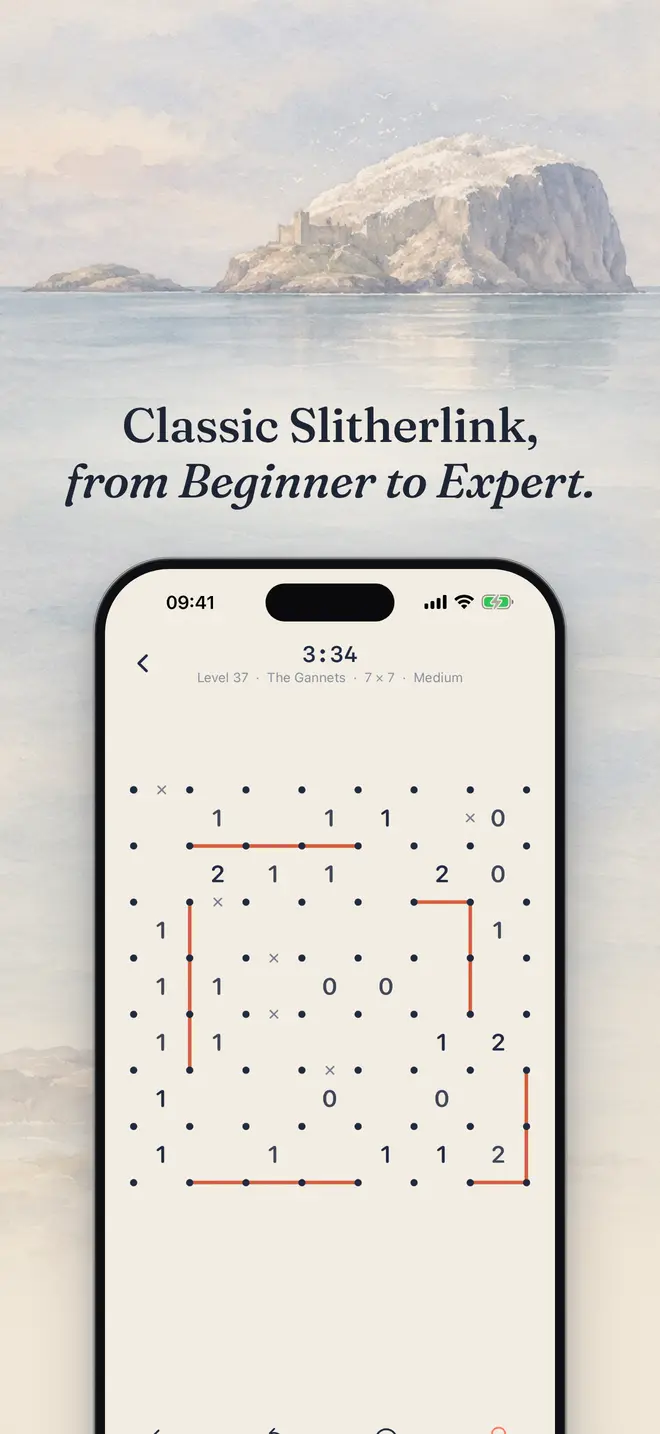
A calm, painted take on Slitherlink. Join the dots into one single loop so every number touches exactly that many lines, and light up the Scottish coast one puzzle at a time.

A look inside
Real screens from the game. Every painting is a real place on the Firth of Forth.
What's in Loopline
Logic puzzles with no pressure, a lot of polish and no ads.
Journey
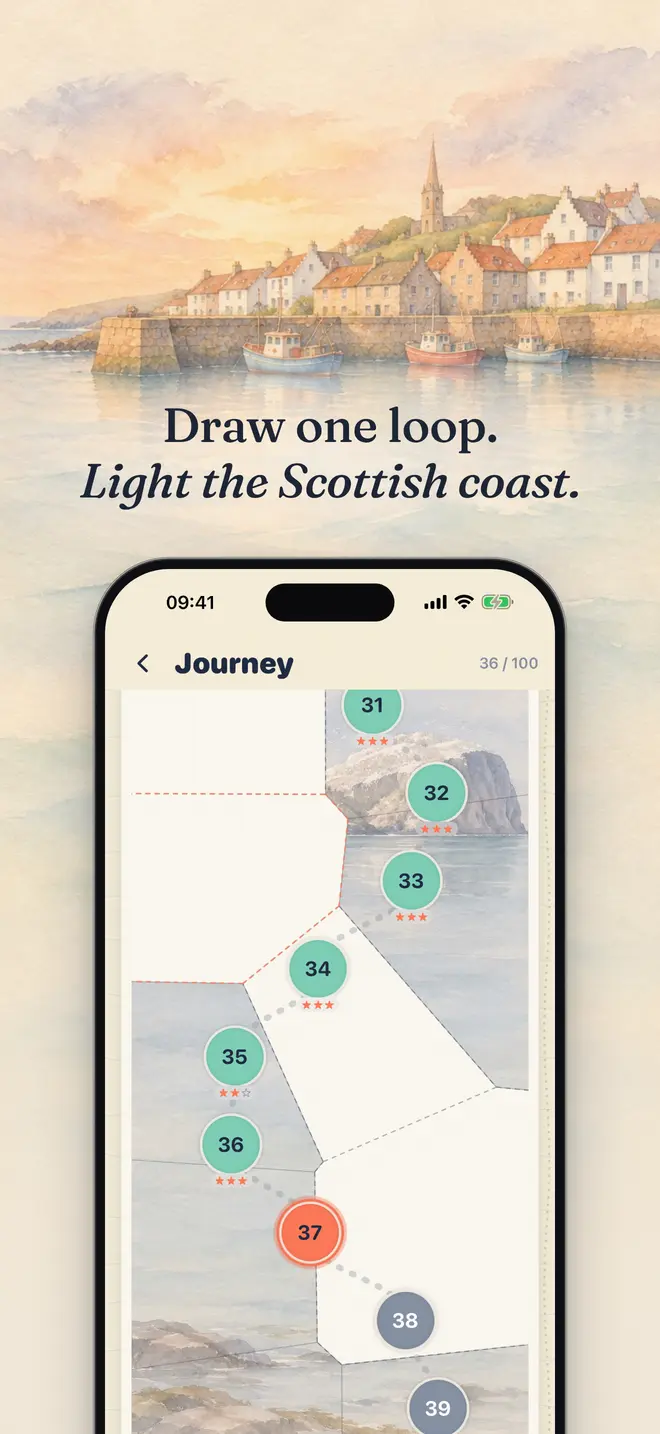
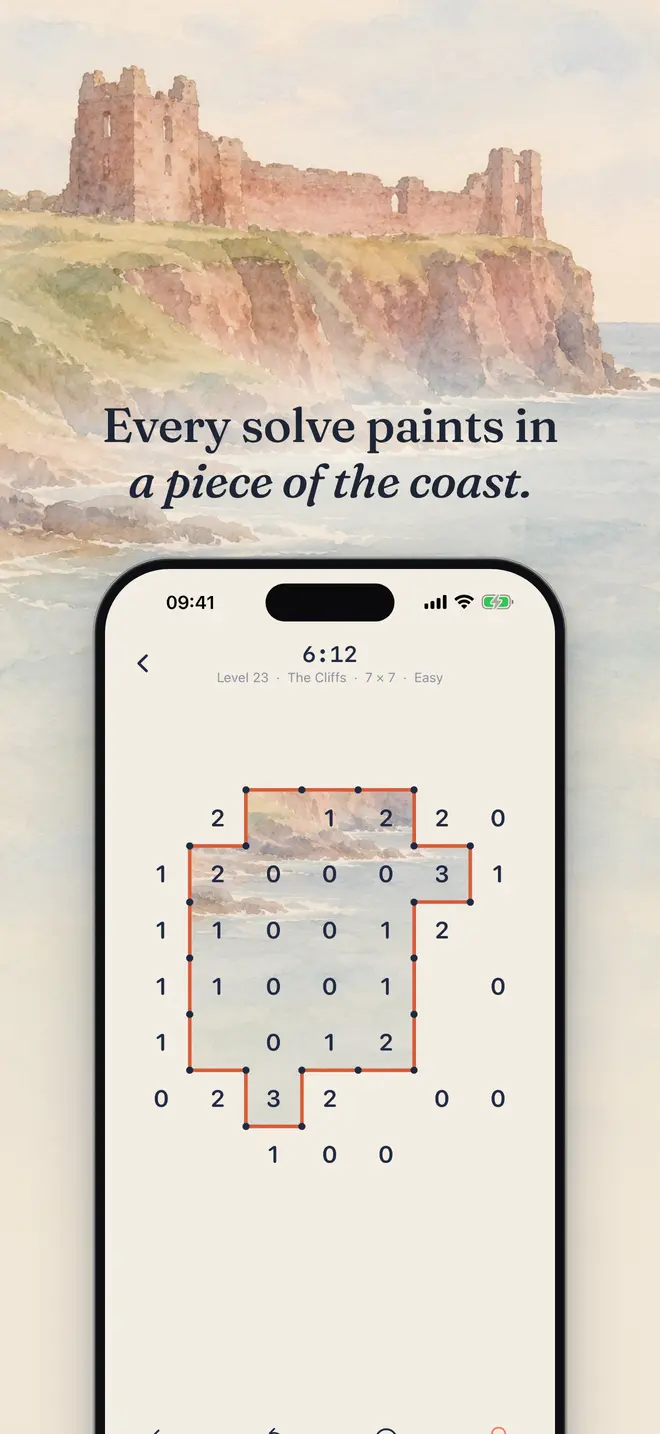
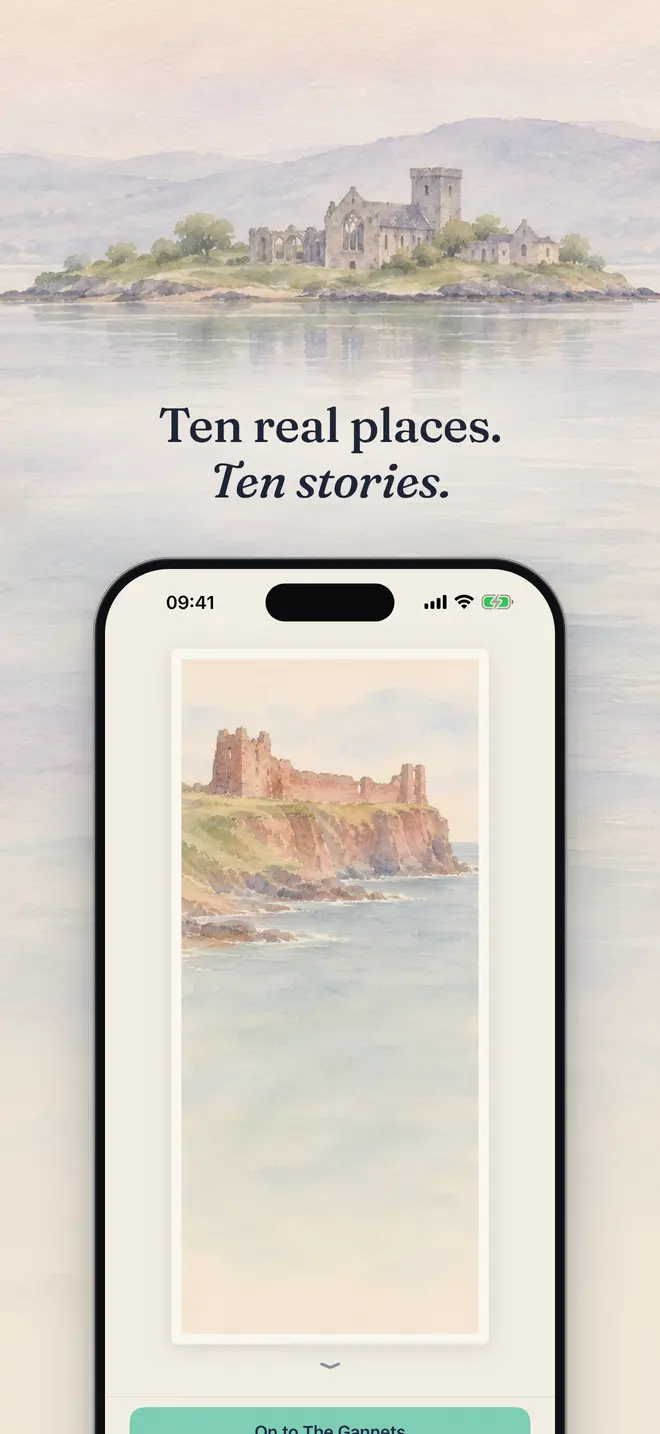
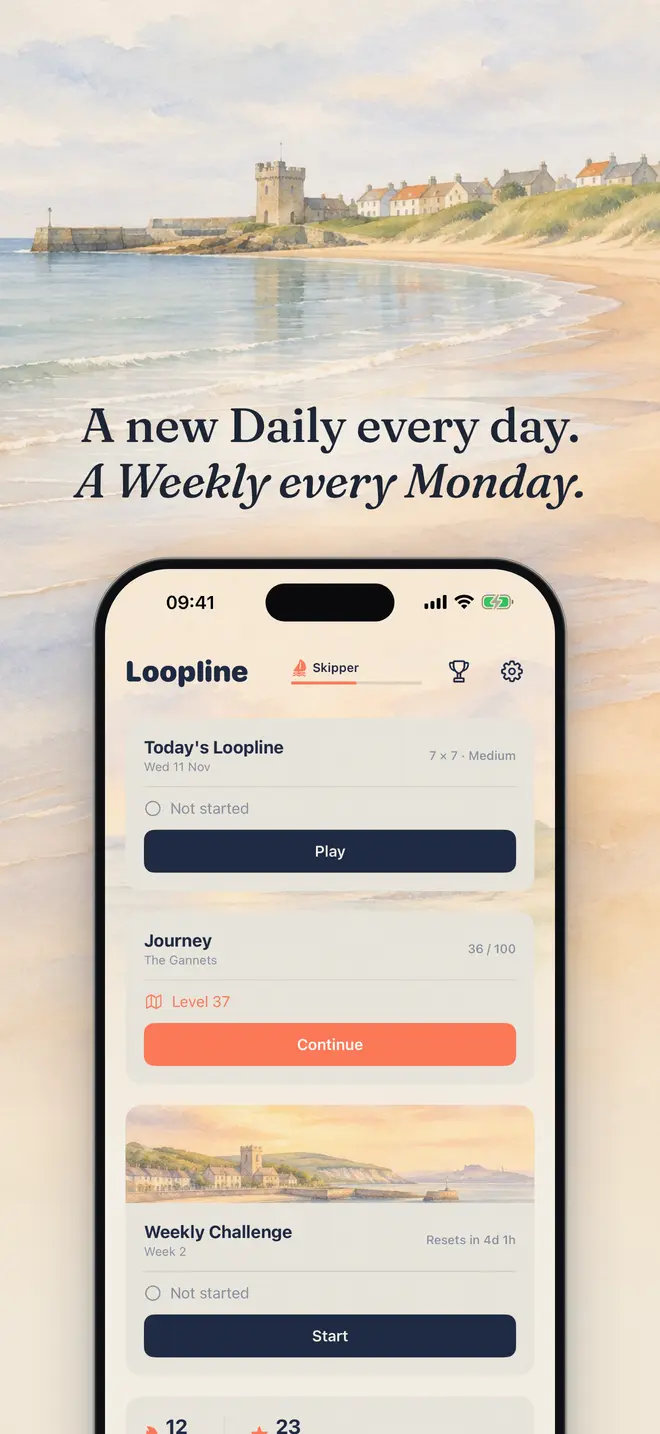
100 levels across ten chapters. Every solve paints in a piece of a real place on the Scottish coast, and each finished chapter gives you a postcard and its story.
A puzzle every day
A new Daily every day, the same for everyone. Build your streak, then go back through past days in the Archive.
Weekly Challenge
Five puzzles and one scored attempt a week. Quick and clean wins, and hints cost you time.
Practice at your level
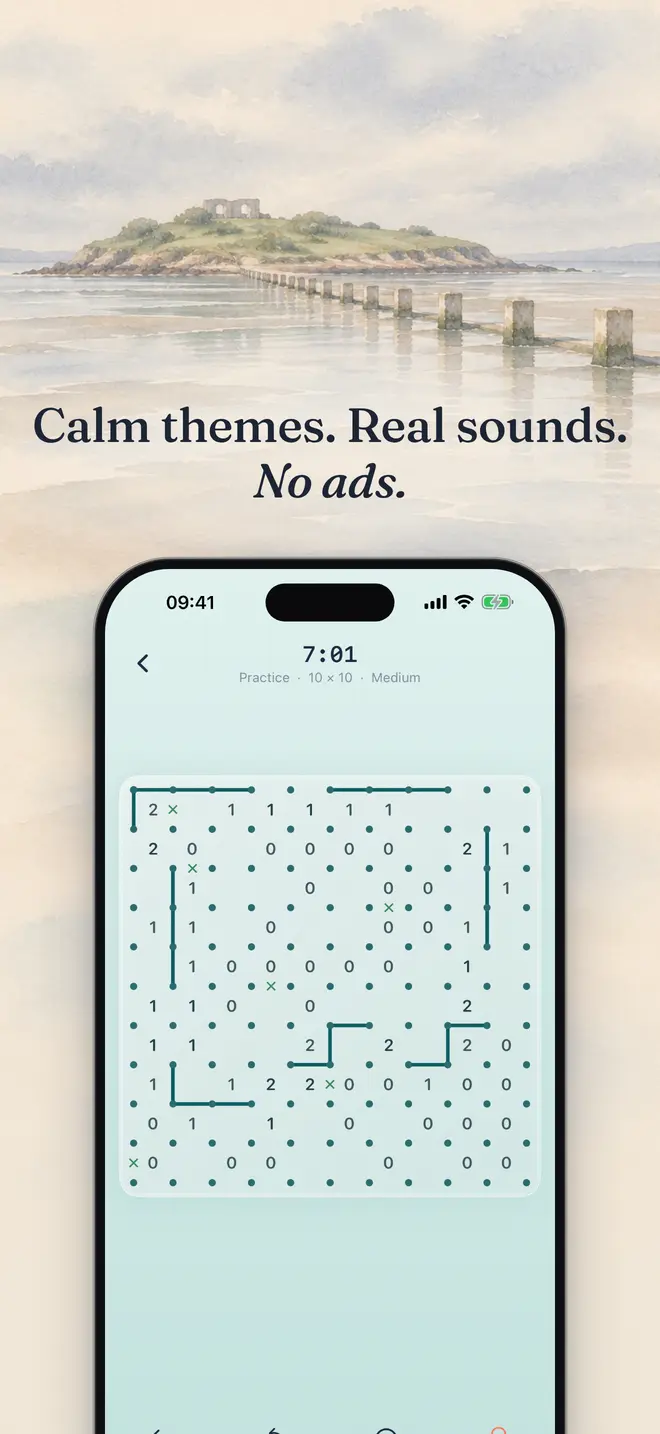
Thousands of rated puzzles from 5x5 Beginner to 10x10 Expert. Every one has a single solution you can reach by logic alone.
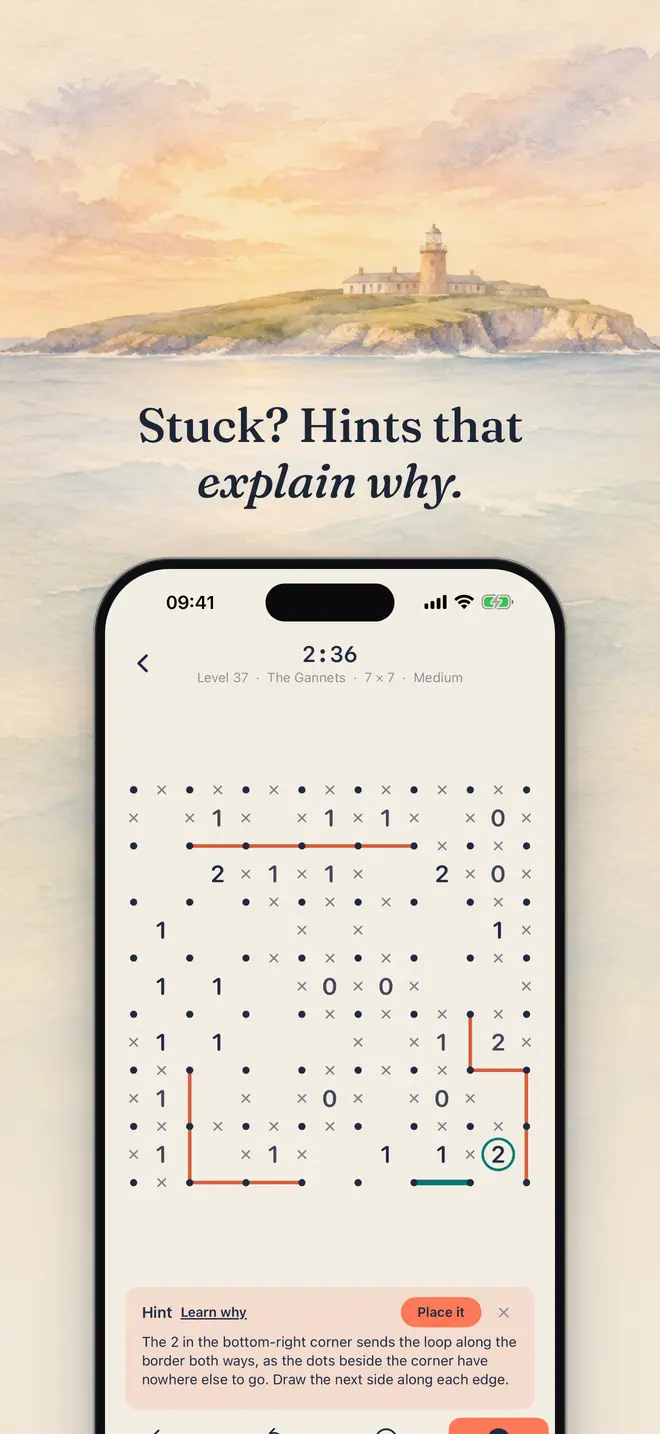
Hints that explain why
A hint shows the next move and the reasoning behind it, so you get better instead of just getting unstuck.
Made to relax
Six themes, the sound of the sea, gentle music and separate volume controls. No ads and no subscription.
iPhone and iPad
Full-screen layouts on both, in any orientation on iPad. Your progress syncs between your devices through iCloud.
Game Center
Six leaderboards, including the fastest Daily and Weekly times, and twenty achievements to collect. Entirely optional.
Learn by playing
A short interactive tutorial teaches the rules and the tricks in about two minutes. A Home Screen widget keeps your streak in view.
Get Loopline on the App Store. Free to play: the first two Journey chapters, the Daily, the Weekly Challenge, three Practice puzzles a day and three hints per puzzle. A one-time purchase, Loopline Plus, unlocks the whole Journey, unlimited Practice and hints, every theme and the Archive. No subscription.
Support
Stuck, or found a bug? Email hello@cosmolabs.co.uk and tell us your iPhone or iPad model and iOS version.
How do I play?
Draw one single closed loop along the grid lines. A number says how many of the four sides around it are part of the loop. The loop never branches, crosses itself or has dead ends. You can replay the interactive tutorial any time from Settings, under How to play.
How do I draw and mark lines?
Tap an edge to draw a line. Tap it again to turn it into an x, which means "not a line". Tap a third time to clear it. On 7x7 and 10x10 boards you can pinch with two fingers to zoom and drag with two fingers to move around.
How do stars work?
Three stars means you finished with no hints and no failed Checks. Use two hints or fewer for two stars. Any finished puzzle earns at least one. Your best stars for each level are kept, and replaying never lowers them.
How does the Weekly Challenge work?
You get one scored attempt per week. Once you start you can't restart, but you can leave and pick up where you stopped, and the clock only runs while a puzzle is on screen. Your score is your time plus 30 seconds per hint and 20 seconds per failed Check. Lower is better.
How do I restore my purchase?
Open Settings, or the Loopline Plus screen, and tap Restore Purchases. Use the same Apple account you bought with. If it still doesn't unlock, email us and we'll sort it.
How do I switch between light and dark mode?
Open Settings and choose System, Light or Dark under Color scheme.
How do reminders work?
Reminders are optional. Turn them on in Settings under Reminders and choose a time between 8:00 and 22:00. You can get a nudge when the daily puzzle is ready and when a new weekly Challenge opens, at most one a day. If you've already done the puzzle that day, you won't get one. They're created on your phone and nothing is sent to us.
How does iCloud sync work?
If you're signed in to iCloud, your progress, stars and streak sync between your iPhone and iPad automatically. It uses your own iCloud account, and we can't see any of it. Sound volumes stay separate on each device.
Do I need Game Center?
No. Game Center is optional. If you're signed in, Loopline posts your scores to the leaderboards and unlocks achievements. If you're not, everything else works the same.
How do I change the sounds?
Open Settings. Music, Sea and Effects each have their own slider, and sliding one to zero turns it off.
Does Loopline collect my data?
No. We don't collect anything. Your progress stays on your devices and in your own iCloud. Read the privacy policy for the details.