The Highlander
A clan saga set in a reimagined Scotland. Start as a nameless exile, take on work in the glens, gather gear and kin, and rise to chief. It plays in short bursts and keeps going while you are away.
Free to download. Optional Gold packs, no ads, no account needed.
Build a name that echoes down the glens
The Highlander is an incremental role-playing game inspired by Scottish history and legend. Every choice nudges your standing, your clan and your story.
Climb the ranks
Begin with nothing and earn your way up through the ranks of the clan, unlocking new regions, tasks and rewards as your reputation grows.
Take on tasks
Send your Highlander out on jobs of every kind. Energy and timing matter, so a little planning pays off, and progress carries on while you are away.
Gear up
Find, buy and equip weapons and armour in tiers from humble to legendary, and chase down the rare pieces that only bosses drop.
Grow your clan
Name your clan, bring kin to your banner and build the strength to hold what you take.
Face the bosses
Powerful rivals guard the high places of the land. Prepare well, then take them on.
Earn your deeds
Well over a hundred deeds to achieve, with Game Center achievements and leaderboards if you want to compare with friends.
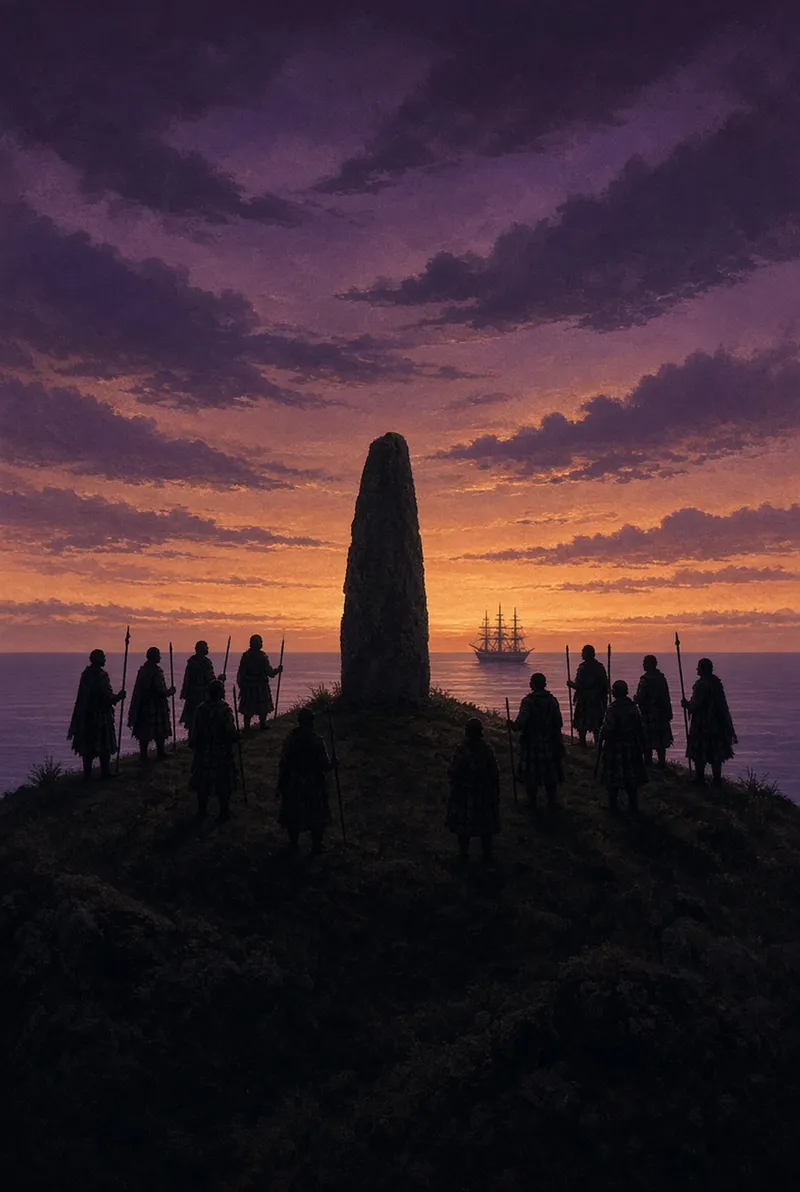
A story told in scenes
Hand-painted scenes set the mood from the first oath to the last.

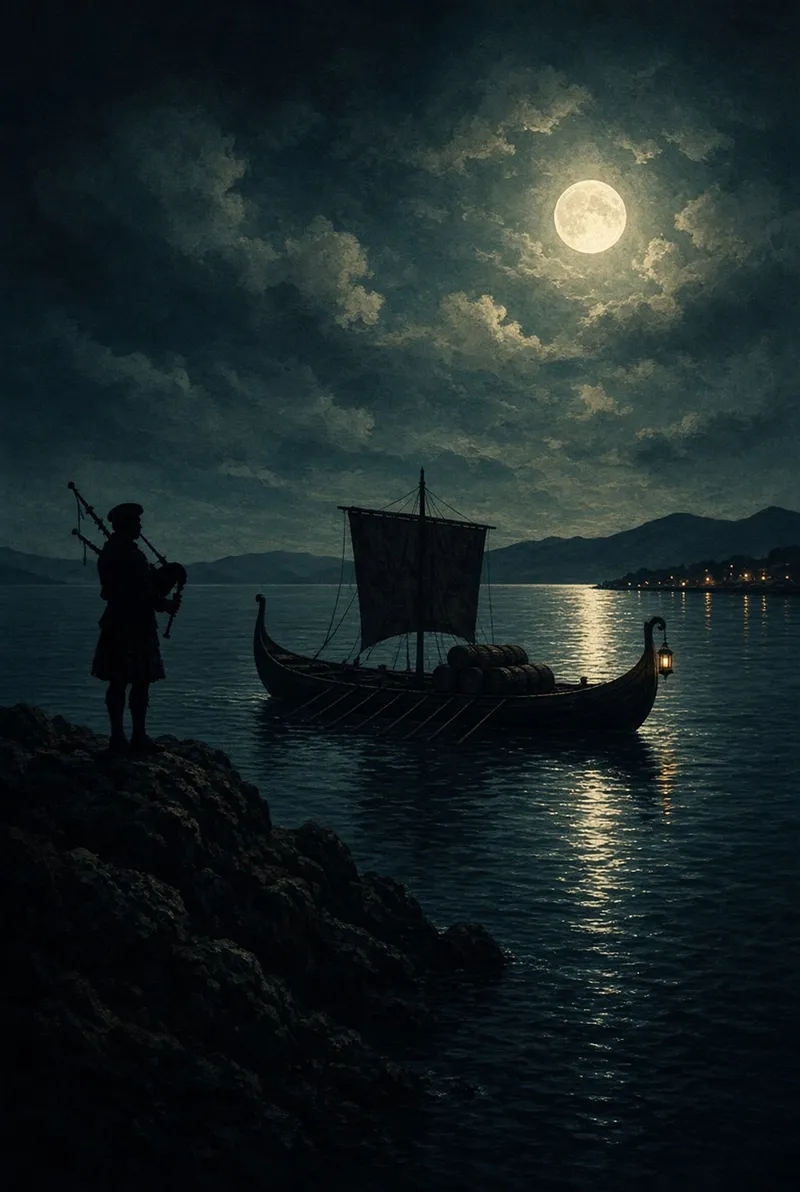
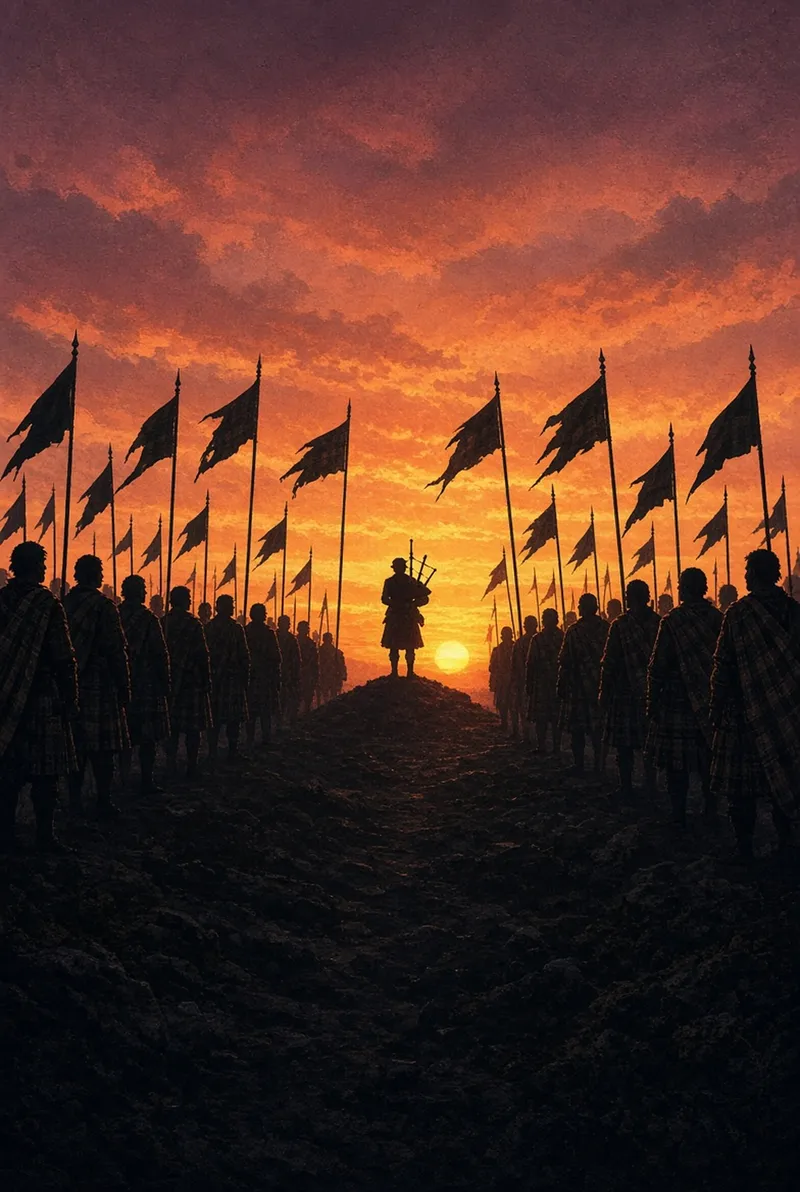
The Highlander is a work of fiction. It draws on Scottish history and folklore but reimagines events, people and places for the sake of the game.
Fair by design
Gold is the game's premium currency. It is optional: you can play the whole game without buying any.
Optional Gold packs
Three one-off Gold packs (small, medium and large) are available as in-app purchases through Apple. There are no subscriptions, no ads and no loot boxes.
Private by default
No accounts, no analytics and no third-party trackers. Your progress stays on your iPhone. Read the privacy policy.
Plays offline
You do not need a connection to play. The game keeps its own clock honest so that changing your phone's date cannot be used to skip ahead.
Support
Quick answers to the common questions. If yours is not here, email us.
I got a new iPhone. Where is my progress?
Your game is saved on your device. If you restore your new iPhone from an iCloud or computer backup of the old one, your progress comes with it. If you set up as new, the save is not carried across, because the game has no account to sign in to.
I bought Gold but it has not arrived.
Close the game fully and open it again. Any purchase that was still pending is delivered when the game starts. If it still has not arrived after a few minutes, email us the order number from your Apple receipt and we will sort it out.
Can I get a refund?
Purchases are handled by Apple, so refund requests go through them at reportaproblem.apple.com.
How do I restore purchases?
Gold is a consumable, so it cannot be restored once it has been spent or if the game's data has been deleted. Gold you have bought on this device stays with your save.
What does Delete Save Data do?
It erases your progress on this device and starts the game again from the beginning, including any Gold you had. It cannot be undone, so the game asks you to confirm first.
Why does the game check the time?
Energy and tasks run on timers. To stop them being skipped by changing the date on the phone, the game keeps its own clock and occasionally makes a small, silent request to cosmolabs.co.uk to read the date. No personal data is sent.
Do I get notifications?
Only if you allow them. They are local reminders created on your phone, for example when your energy is full. You can turn them off any time in iPhone Settings.
Game Center will not sign in.
Game Center is optional. Sign in through iPhone Settings, then Game Center, and reopen the game. The game plays fine without it.
Does it work offline?
Yes. An internet connection is only needed for purchases and Game Center.
Still stuck? Email hello@cosmolabs.co.uk. Please say which iPhone and iOS version you have. We aim to reply within two working days.